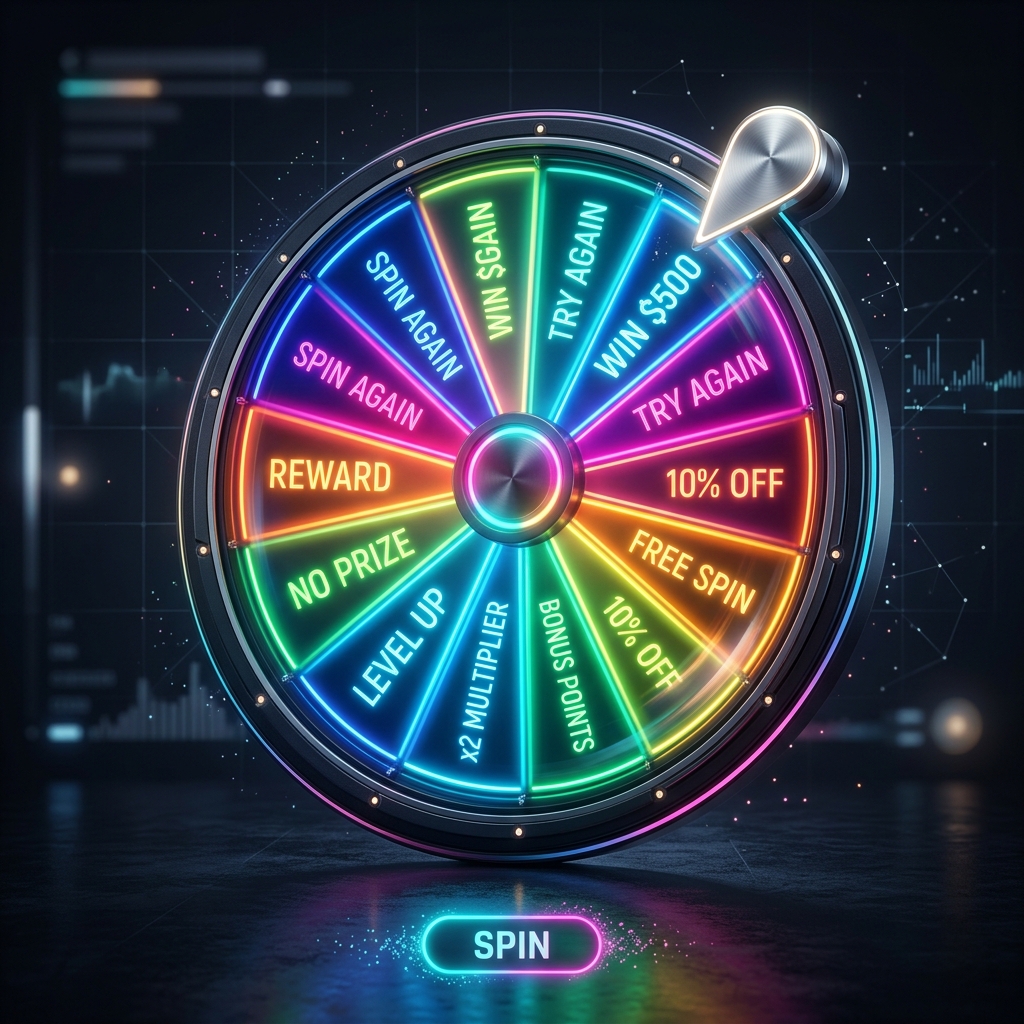
TL;DR: Building a custom wheel spinner involves selecting a platform that supports dynamic list inputs and high-fidelity physics. By personalizing colors, labels, and sounds, you can transform a simple randomizer into a branded engagement tool for any professional or social setting.
What is a Custom Wheel Spinner?
A custom wheel spinner is a flexible randomization tool that allows users to define their own set of outcomes, aesthetic themes, and operational rules. Unlike fixed wheels (like a Yes/No wheel), a custom version is built to be reconfigured instantly for different tasks, such as selecting meeting presenters or picking raffle winners.
Efficiency Fact: Teams using randomized presenters report 20% more equitable participation in weekly stand-ups compared to those using manual rotation.
Why It Matters: Customization Drives Engagement
Generic tools feel clinical. A custom wheel spinner that uses your team's colors or specific inside jokes creates a much higher level of buy-in and excitement. It turns a mundane task (like "who goes first?") into a highlight of the session.
How to Customize Your Wheel Effectively
Data-Driven Inputs
The best custom wheels allow you to paste large lists from Excel or Sheets. This saves time and ensures accuracy when dealing with dozens of participants.
"Personalization is the secret sauce of digital tools. When a team sees their own names on a vibrant wheel, the psychological barrier to participation drops significantly." — Sarah Jenkins, UX Researcher.
Practical Steps to Build Your Custom Wheel
- Define the Purpose: Is this for a high-stakes raffle or a quick team check-in?
- Upload Your Labels: Use the multi-line input field to add your entries in bulk.
- Adjust the Physics: Longer spins build more tension, while quick spins are better for productivity.
FAQ for Custom Wheel Spinners
Q: Can I save my custom wheel configurations?
A: Currently, our tool uses URL-based saving. You can bookmark the page after adding your items, and the configuration will be preserved.
Q: How do I remove an item from the wheel after it wins?
A: Most users simply delete the name from the list box and spin again. We are working on a "Remove Winner" feature to automate this.
Q: What is the best duration for a custom spin?
A: For professional meetings, a 3-5 second spin is ideal. For games and entertainment, a 7-10 second spin creates more dramatic tension.
Conclusion
Customization is the key to making randomization feel personal. By building your own wheel spinner, you take control of the experience and ensure that every outcome is fair, visible, and exciting for everyone involved.